Recommended Products
- No recommended searches
Suggestions
- No Suggestions
Site Pages
- No Related Site Pages


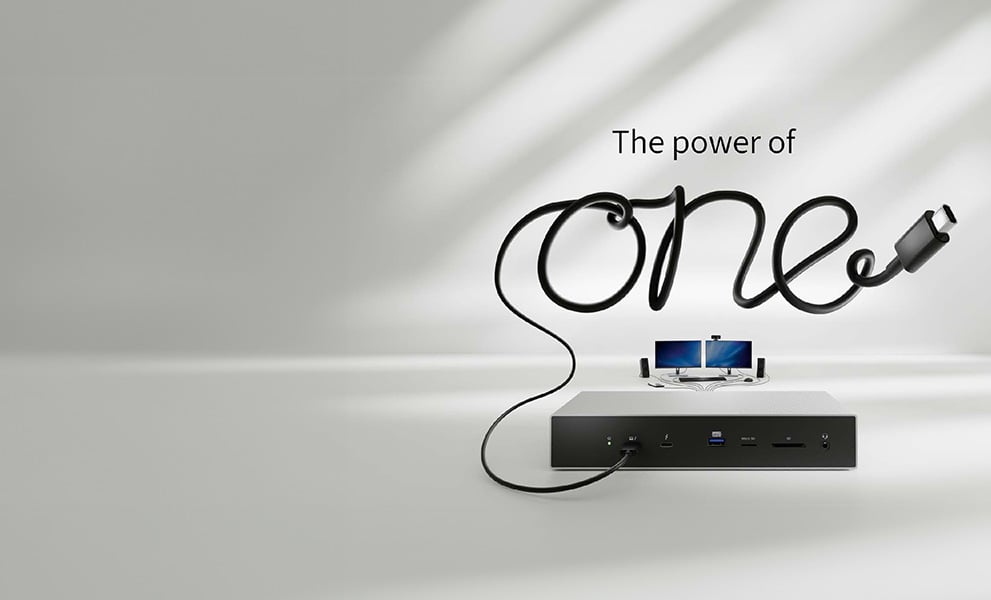
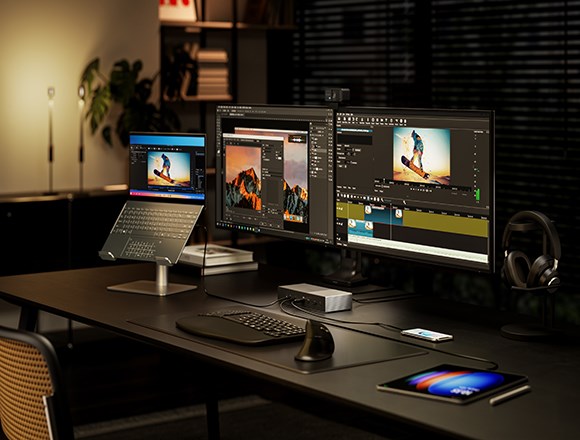
Break free from the chaos of cables with one powerful solution to enhance your workflow. Experience seamless productivity. Experience the Power of One.
Speak with our team todayConnect your laptop to 4K monitors, accessories, and Ethernet networks - all through a single cable. Whether you're working from home or the office, Kensington docking stations reduce clutter and boost productivity. Discover how The Power of One transforms your workspace with universal compatibility.
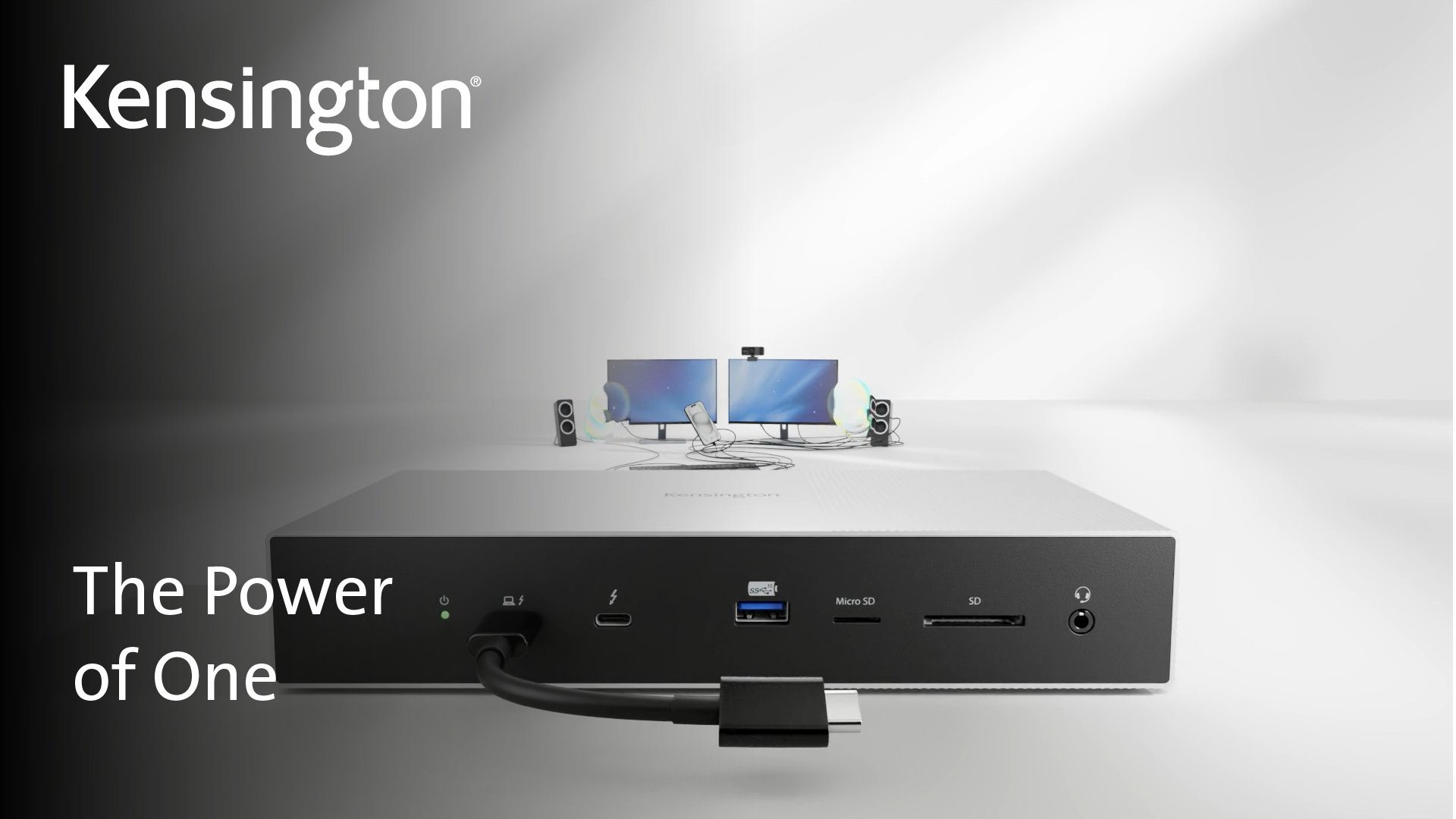
Choosing the right docking station starts with knowing your laptop’s compatibility and your feature needs. From connection type to display support and power requirements, understanding a few key details will help you find the perfect dock for your setup.
Choose a dock that matches your laptop’s OS - Windows or macOS - to ensure full compatibility and best performance.
Identify if your laptop uses USB-C® Alt Mode or Thunderbolt™. Thunderbolt™ offers faster speeds; USB-C® Alt Mode is widely compatible.
Mac Users: M series Macs may need docks with DisplayLink® to support multiple monitors.
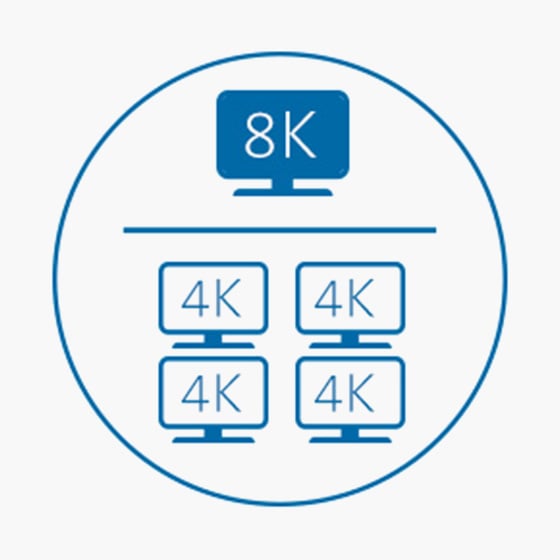
Consider how many monitors you’ll connect and the resolution/refresh rate required (e.g. 4K @ 60Hz, 144Hz for gaming).
Mac Users: Native display support is limited-DisplayLink® docks enable full multi-monitor setups.
Power Delivery (PD) charges your laptop through the same cable used for data and video - reducing clutter. Just ensure the dock provides enough wattage for your device to avoid slow charging or drain.
Note: Mobile hubs support power pass-through but require a separate USB-C® charger.
Choose a dock with enough ports to support accessories such as keyboards, mice and webcams without needing extra adaptors.
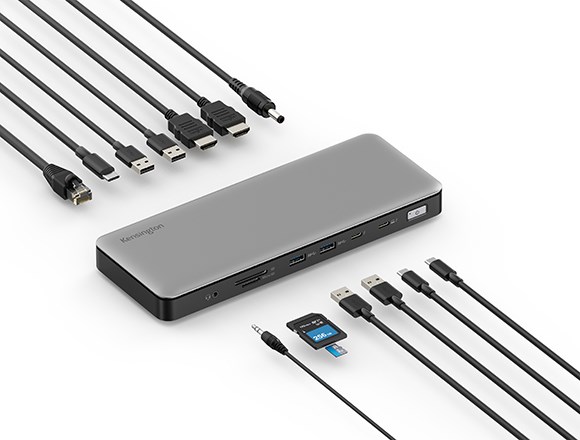
Look for a mix of USB-A and USB-C®, plus options such as Ethernet, audio jacks or SD card readers. The more connected your setup, the more versatile your dock should be.


Not sure which dock is right for your setup? Use our Docking Station Finder tool to get personalised recommendations based on your laptop model, operating system connection type, and display needs. It’s the quickest way to cut through the complexity and find a compatible docking station that fits your workflow.
Discover Our Product Finder ToolFor large-scale business deployments, book a meeting with our team today and find out more about our business pricing.
At Kensington, we’re passionate about keeping up with the pace of modern business. We’re constantly exploring new ways to move the industry forward, especially when it comes to supporting dynamic, shared, and agile workspaces. Let’s connect! We’d love to show you how our solutions can help your business thrive.
Request Business PricingDocking stations expand the connectivity of your portable device, transforming it into a desktop replacement. A docking station connects via Thunderbolt™ 5, Thunderbolt™ 4, USB4®, USB-C® or USB-A and provides workstation power for your entire setup.
Yes! Unlike most hubs, most desktop docking stations are plugged into outlets, so they can provide power to both your laptop (up to 100W depending on the model) and peripheral devices. Look for Thunderbolt™ or USB-C® laptop that supports Power Delivery. Please check the specs of your laptop or contact us and we can help you identify if your USB-C® port supports Power Delivery. USB-A docks can only provide data and video; however we do sell a power splitter that supports most 20V/60W laptops, see K38310 for more information.
For mobile docking station an USB-C® power adapter is required to pass through charging to the laptop. For example, using a 100W USB-C® Power Adapter (sold separately) with a mobile docking station (reserved 15W), it will deliver power up to 85W to your laptop. Look for minimum requirement of the USB-C® adapter for best performance.
Not all docking stations are universal. However, here’s a selection of our best universal laptop docking stations.
Yes. A desktop docking station is intended for use at a fixed desktop location. As universal laptop docking stations are designed to provide more features and functions (dual 4K video, Power Delivery, charging of mobile accessories and more), an external power supply is required. The same is true for Dell docking stations, HP docking stations, Lenovo docking stations and even 3rd party MacBook docking stations.
Yes, a mobile docking station can be used without a power cord using bus power from laptop (5V/3A). The mobile dock and connected devices use the laptop’s battery power. If you are looking for a solution to charge your laptop while using dock functions then you can plug a 100W USB-C® power adapter or your laptop’s USB-C® power adapter into the mobile dock for pass-through charging to the laptop. Look for minimum requirement of the USB-C® adapter for best performance. Learn more at kensington.com/news/docking-connectivity-blog/hubs-vs-docks-explained/ .