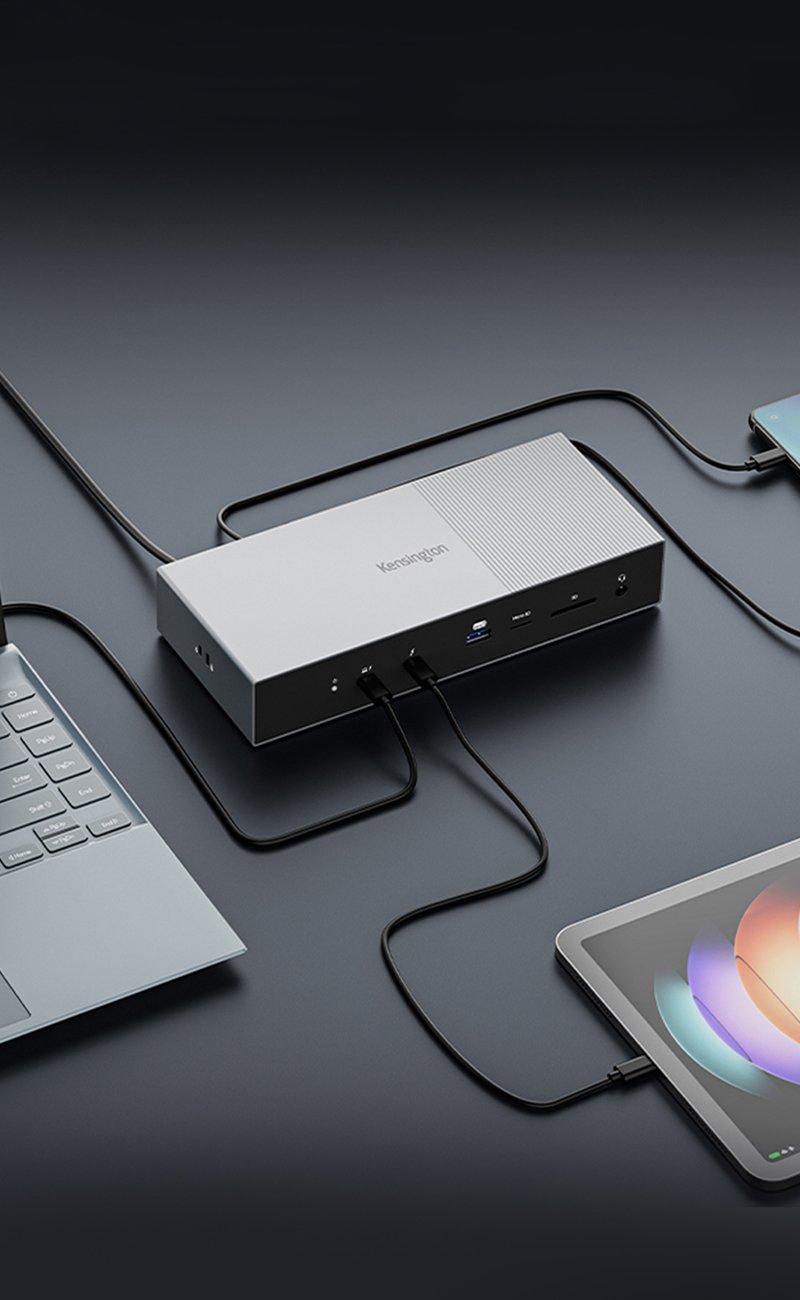
One USB connection away from everything you need
Turn your laptop into a desktop in one simple step with the Kensington Universal Docking Station with Video sd300v. Simply plug a single USB cable into your laptop, add power and you are instantly comfortable and connected to a high-resolution monitor, printer, speakers-- everything you need. There´s no more plugging and unplugging your peripherals; they remain connected to the docking station.
- Universal compatibility with all brands of laptops via USB: Acer®, Asus®, Compaq®, Dell®, Gateway®, HP®, IBM®, Lenovo®, Sony®, Toshiba® and more
- HD screen capable so you can connect to a very large external monitor and drastically increase your visual workspace. Front Dualview button makes dual screen setup easy
- Plug-n-play and hot pluggable, so you can connect to the dock and swap devices without shutting down
- Connect to your high-resolution monitor, printer, keyboard and mouse, external hard drive and more from your laptop
- "Always-on" USB ports charges your mobile devices even when your laptop is shut down
- Front Audio ports and back speaker port lets you connect both 2.1 stereo speakers and internet chat headset
- Mini tower design reduces desktop footprint. Security slot allows you to secure your dock and its connected peripherals (via security cable and cablesaver)
- Docking station will not provide power to your laptop, but provide connectivity to peripherals via a single USB cable
- Operating Systems Compatibility: PC and Mac® compatible including Windows® 7 (32-bit and 64-bit editions), Windows® Vista® sp1 (32-bit and 64-bit editions), Windows® XP (sp2, sp3, including Tablet PC editions). Mac® OS X 105.5 and Mac® OS X 10.4.11 or lat, Note to Mac® computer users: Video responsiveness of connected external monitor is reduced but functional for everyday computing, Peripheral connectivity: >Audio: Front Audio ports (Audio in/out), Back Speaker port (Audio out) > USB ports: 5 USB 2.0 & “always-on" > External monitor: DVI or VGA (with included DVI to VGA adapter). Optionally HDMI by purchasing a DVI to HDMI ad, >Security cable slot on side panel: add a Kensington security cable (sold separately) and combine it with a cable saver to secure both the docking station and its connected peripherals >Front LED indicator: Green indicates docking station is working and c, Package content: >USB docking station sd300v, USB cable, 2.5Amp wall power adapter, DVI to VGA adapter, quick start guide, CD for software drivers.
software
-
K33367 (sd100v), K33415 (sd200v), K33907, K33928, K33930 (sd300v) USB Display Driver for Windows 7, Vista, and XP, Version: 6.1.35912.0 (Windows XP, Windows Vista, Windows 7)
-
K33367 (sd100v), K33415 (sd200v), K33907, K33928, K33930 (sd300v), K33955 (sd400v) USB Display Driver for Mac OS (MacOS)