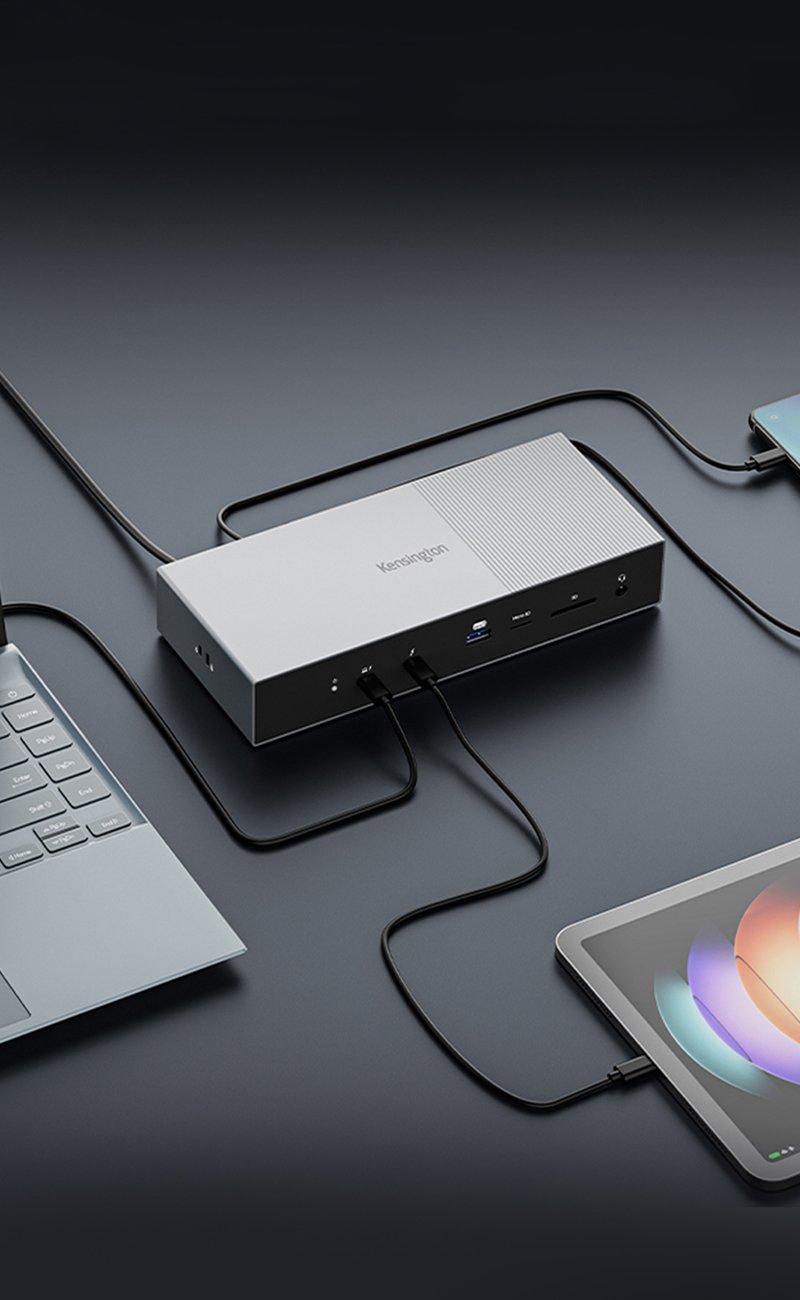


Microsoft Surface Pro devices are powerful and portable, but limited connectivity can hold them back in complex workflows.
Whether you're using a model equipped with Thunderbolt™ 4 or one with USB-C®, Kensington offers docking stations that add essential ports, display outputs, and power—all with plug-and-play reliability.
If you're a Microsoft Surface Pro user who has been wondering:
Which Kensington® docks are compatible with my Surface Pro model?
Can I connect dual or triple monitors to my Surface Pro?
How much power delivery do I need for my Surface Pro device?
How do I choose between portability and performance?
This guide outlines the best Kensington docking stations for each Surface Pro model, based on port type, display requirements, and everyday use cases.
Why Use a Docking Station with Surface Pro?
You probably chose your Surface Pro for how easy it is to move and carry around—at the end of the day, what makes it so unique is that it functions as both a laptop and a tablet.
But when it comes to tasks that require multiple displays, a reliable wired internet connection, USB peripherals, or fast charging, the built-in ports quickly fall short.
A docking station bridges that gap.
For example, a hybrid professional may need to connect one, two, or more external monitors, a full-sized keyboard, a wired mouse, and Ethernet when working from home—but still unplug and travel light with just the Surface Pro on the go.
A docking station allows this transition without purchasing a second laptop for desk use.
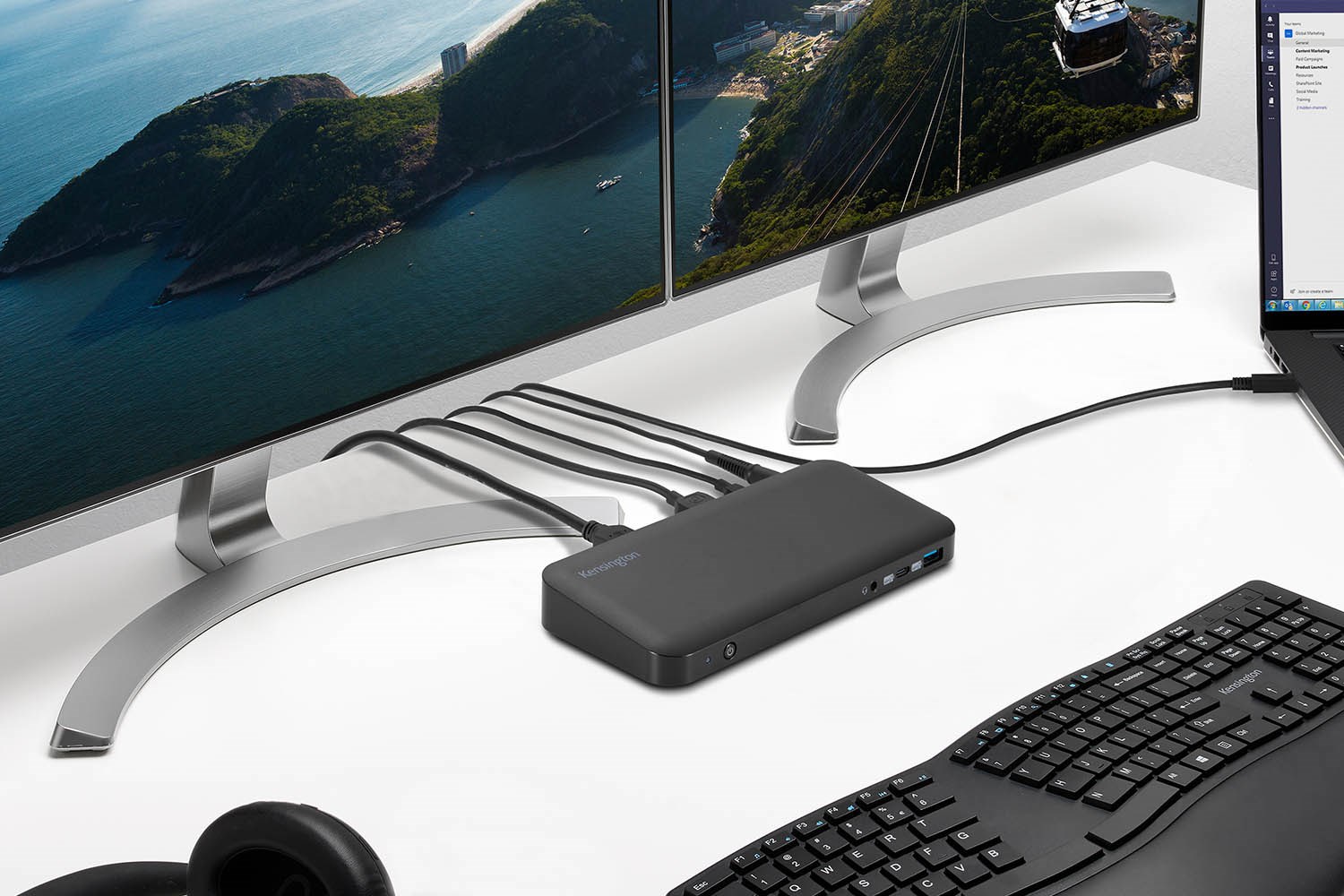
Similarly, a video editor working with Surface Pro might want to output to dual high quality monitors and connect an external SSD for project files. With a Kensington dock, that becomes possible through a single Thunderbolt™ or USB-C® cable.
Docking stations turn the Surface Pro into a full desktop workstation when needed—all without compromising its mobility when you're away from your desk.
Best Kensington Docks for Surface Pro
Docking Stations for Surface Pro - Disclaimers
Before getting into details, we must clarify some aspects of Surface Pro devices and their compatibility with docking stations' features.
When looking for a docking station for your Surface Pro, you must keep in mind a couple of things.
First of all, if your Surface Pro has Thunderbolt™, then it's best to use a Thunderbolt™ dock. And if your device has USB-C® ports, then use a USB-C® dock.
This means that, if you want it to support dual displays, your device must either:
Have a Thunderbolt™ 4 or USB4® port (for Thunderbolt™ 4 docks)
Have a USB-C® Alt Mode port (for USB-C® docks)
Without any of these, you will only get one display.
Current Surface Pro models that support Thunderbolt™ 4 are 8, 9 (Intel), 10, 13'' and 13'' 5G.
If your Surface Pro does not support Thunderbolt™ 4/USB4®, please use a USB-C® dock.
For Surface Pro 13'', and 13'' 5G
SD5780T Thunderbolt™ 4 Dock – 96W PD
The SD5780T is one of Kensington's most advanced Thunderbolt™ 4 docks for Surface Pro devices.
It supports single 8K, dual 6K (on certain devices), and dual 4K @ 60Hz displays and delivers up to 96W of power, making it ideal for creative professionals, video editors, or developers who demand high resolution and bandwidth. With 11 ports including Thunderbolt™ 4, USB-A, Ethernet, and SD card slots, it covers nearly every connectivity need.
SD5760T Thunderbolt™ 4 Dock – 96W PD
The SD5760T offers single video output at 8K or dual 4K @ 60Hz along with up to 96W charging.
This dock balances performance with a sleek design, appealing to Surface Pro users who want full capabilities without bulky equipment.
SD5700T Thunderbolt™ 4 Dock – 90W PD
The SD5700T provides reliable plug-and-play connectivity for single 8K @ 60Hz or dual 4K displays, a 11 range of ports, and 90W charging.
It's a versatile everyday dock that supports Surface Pro 8 and beyond users across typical business, education, or home office workflows.
For Surface Pro 8, 9, 10 and 11
*Keep in mind that Surface Pro 8, 9 (Intel) and 10 models can also support Thunderbolt™ 4 docking station options.
SD4845P USB-C® Driverless Docking Station – 85W
The SD4845P was exclusively designed for Surface devices, and offers comfortable driverless USB-C® connectivity with 10Gbps data transfer speed and 85W power delivery.
It allows you to expand your workstation through numerous DisplayPort™, HDMI®, USB-C®, USB-A, and combo audio ports.
UH1440P USB-C® 8-in-1 Mobile Hub
While not an actual docking station, the UH1440P mobile hub is great for those users who need extended ports but not a whole complicated setup from their Surface Pro.
Through its HDMI® video port, it supports single 4K @ 60Hz, up to 85W power pass-through, plus USB-A and USB-C® ports, and SD and Micro SD card readers.
For Surface Pro X
SD4845P USB-C® 10Gbps Triple Video Driverless Docking Station – 85W
The SD4845P was designed for Surface users, which is why it offers excellent options for expanding your workflow and harnessing your Surface Pro capabilities.
It has 10Gbps data transfer, 85W power delivery, up to single 4K, dual 1440p, or triple 1080p @ 60Hz, and 9 additional ports.
SD4785P USB-C® & USB-A 10Gbps Dual 4K Hybrid Docking Station – 100W
If you're looking for a Surface-tailored, powerful docking station that expands your possibilities and also offers stable, fast charging, the SD4785 can be one of your top options.
With up to 100W power delivery and dual 4K video output, it is a reliable device. It also offers six USB ports.
SD4855P USB-C® 10Gbps Dual Video Driverless Docking Station – 100W
Also especially designed for Surface models, the SD4855P provides 10Gbps of data transfer speed, up to 100W power delivery, easy driverless use, and several options for high-quality video output.
The Best Kensington Docking Station for Microsoft Surface Pro
While all these options are great and can be ideal for specific Surface Pro devices, we have an additional, powerful choice for you.
Designed exclusively for Surface devices, Kensington offers the SD5750T Thunderbolt™ 4 Dual 4K Dock, compatible with both USB4® and Thunderbolt™ 4-enabled Surface devices.
It provides:
Up to single 8K @ 30Hz, dual 4K @ 60Hz via Thunderbolt™ 4
Up to 90W of certified power delivery
11 connectivity ports, including an Ethernet port
Up to 40Gbps data transfer speed
Free Kensington DockWorks™ software
This solution offers high-resolution displays, storage devices, and fast data transfer for creative or technical workflows.
It works with Surface Pro 12'', 13'', 8, 9 and 10.

Aspects to Consider When Purchasing a Docking Station for Surface Pro
When selecting a docking station, think beyond port count. Consider the following factors:
Port Type Compatibility: Newer Surface Pro models support Thunderbolt™ 4. Surface Pro X and some Pro 7 support USB-C® only.
Number and Quality of Displays: This will allow you to discard certain types of docks.
Power Delivery: Kensington docks offer 90W–100W to support high-performance Surface models.
Form Factor: Working at a fixed desk? Opt for full-sized docks. Constantly on the move? Look for compact designs.
FAQ About Docking Stations for Surface Pro Users
Is a docking station required for Surface Pro?
No, but it significantly enhances productivity. One cable can manage displays, charging, and peripherals.
Can I use dual monitors with my Surface Pro?
All Kensington Thunderbolt™ 4 docks support dual external displays natively, but this might depend on your device's capabilities.
For example, your Surface device must have a Thunderbolt™ 4 or a USB4® port to support dual displays with a Thunderbolt™ dock. If you don't have it, you will only have access to a single display.
And if your Surface device only has a USB-C® port, we recommend you use a USB-C® dock.
Does Kensington support Surface Connect™?
No. Kensington docks use USB-C® and Thunderbolt™ connections only.
Will Thunderbolt™ docks work with Surface Pro X?
No. Surface Pro X does not have Thunderbolt™.
The Best of Both Worlds Thanks to Docking Stations for Surface Pro
The right docking station turns your Surface Pro into a fully powered, multi-monitor workstation.
Whether you're a creative professional, hybrid worker, or power user, Kensington's certified docks are built for Surface Pro—providing seamless connectivity, display flexibility, and enterprise-grade reliability.
Explore Kensington's Surface Pro-compatible docking stations and upgrade your workspace, no matter where you work.